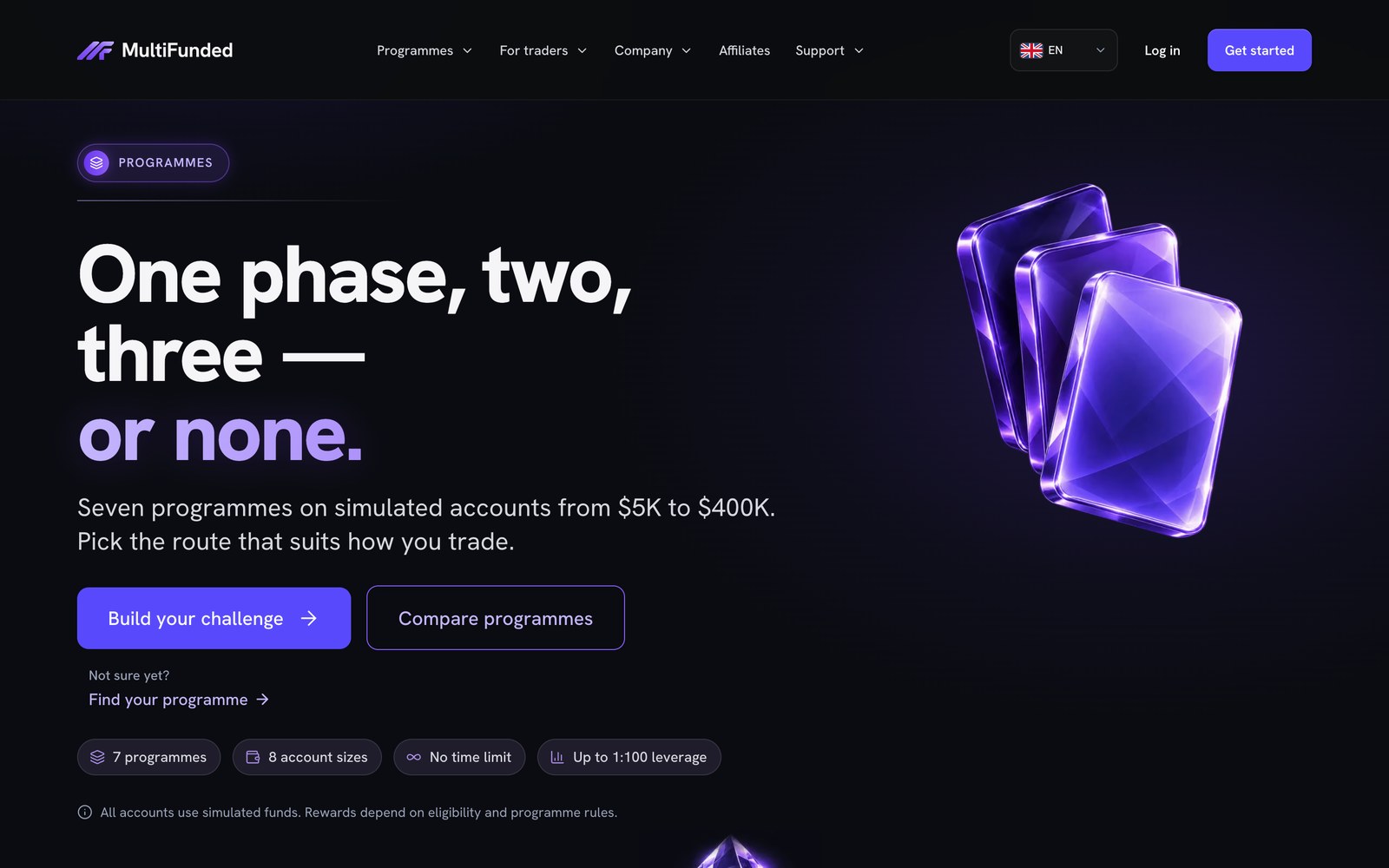
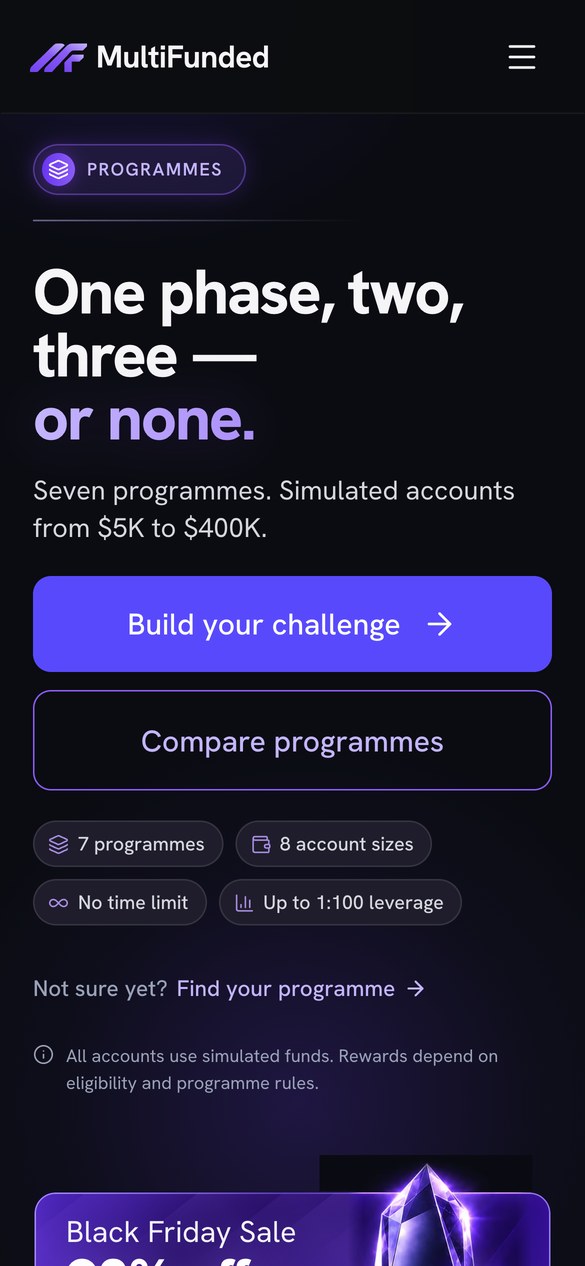
What the website sends to checkout
A trader can choose a challenge on the storefront and continue with that selection already filled in. The public buy link carries three values into checkout.
- Programme. The challenge selected on the site.
- Account size. The simulated account size associated with that challenge.
- Promo code. The offer supplied by the buy link when a promotion applies.
The handoff saves the trader from reselecting the same challenge and size at checkout. MultiFunded is one of the storefronts in Adtrend’s portfolio.
What to compare before launch
Start with the exact programme, size and offer displayed before the click. Check the order summary at checkout for the matching selection, currency and price. Confirm which fees or taxes appear before payment. Use a test environment to check what happens when a promotion expires, a size becomes unavailable, or checkout is opened in a fresh session.
Test a campaign link as well as the regular buy button. If you change a programme name, URL, price or promotion, run the relevant checks again.
Check the complete journey on a phone
Use a narrow viewport and a real phone where available. Change the account size, make sure the price updates, and follow the buy button. The order summary and next action should be readable and reachable without sideways scrolling. Then go back to change the selection and confirm checkout receives the new values.
Download the checkout QA checklist
The editable CSV contains example tests for programme and size, promo codes, price parity, mobile layout, back navigation, refresh and payment retry. Import it into Google Sheets or Excel and record an actual result, status and evidence for each row. Use your own test catalogue and sandbox checkout.
Download checkout QA checklist (CSV)
The checklist is a reusable template with illustrative values. The case study documents the published build and checkout handoff.
See the checkout section of our website planning guide or learn how Adtrend designs and builds prop firm websites.