Adtrend team
A prop firm checkout recovery email gives an eligible trader a way back to an unfinished challenge purchase. Queue it after a checkout expires or meets your abandonment rule. Immediately before sending, confirm the order is still unpaid, payment is not processing, the trader has no account for that purchase and the contact still permits this email.
When a checkout qualifies
Start with a checkout recorded by your order system. Save the checkout ID, contact ID, programme, simulated account size, market, currency and expiry time. Keep the email preference and when it was recorded. An ad click, a challenge-page visit or an email typed into checkout cannot establish both abandonment and permission to send.
Use your provider’s expiration event or a server-side inactivity rule to queue the reminder. Validate the event against the order and check the person’s preference again at send time. If permission is missing or unclear, skip the message. Treat a reminder to finish a purchase as marketing in this workflow. UK PECR sets out consent and the conditions for using the limited products and services soft opt-in for individual recipients. Review the rules for each market you serve. UK PECR Regulation 22.
Check payment and account status
Give the job a delay, then read the current payment and account records before sending. Start with one reminder per eligible purchase attempt. Store a unique send record for the original checkout and reminder step so replayed or concurrent events cannot queue another send. If the email provider supports request deduplication, use the same key when retrying a send.
- Paid or account already provisioned for this order. Cancel the reminder. Route access questions to support or the post-purchase email flow.
- Payment still processing. Wait for a confirmed outcome. A delayed payment can settle after the original checkout finishes.
- New checkout for the same purchase. Check the latest attempt. Cancel the old reminder if the trader already paid through the new checkout.
- Unsubscribed, hard bounce or open payment dispute for this purchase. Suppress marketing and route any assistance through the appropriate support workflow.
Keep these decisions scoped to the order or replacement checkout. A trader can have multiple accounts and one paid order should not cancel a different eligible checkout. Stripe documents delayed payment confirmation and says webhook events can be retried or arrive out of order. Use the latest server record to make the decision. Stripe Checkout fulfillment and Stripe webhook delivery.
Write and link the recovery email
Put the next step near the top and add a support link for traders with questions about rules or payment. Use a secure resume link that restores the eligible selection or opens a new checkout at the current price. When a programme, account size or offer has expired, explain what changed before asking the trader to confirm. Keep names, email addresses and private recovery tokens out of campaign tags and analytics.
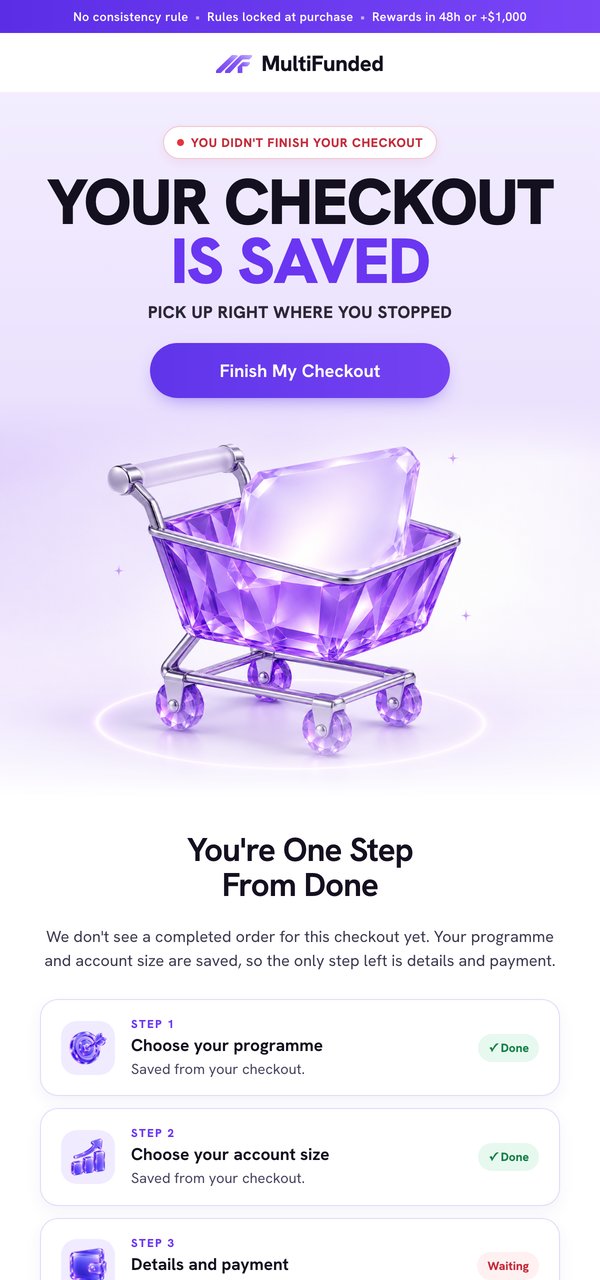
Example subject. Resume your challenge checkout
You started checkout for [programme] with a [size] simulated account. If you’d like to continue, reopen checkout to review the current fee and programme rules. If you have trouble continuing, contact support.
Button. Resume checkout
Make the sender recognisable and include a visible unsubscribe link. If Gmail classifies you as a bulk sender, check its one-click unsubscribe and authentication requirements before launch. Gmail email sender guidelines.
Test the flow and measure recovered orders
Replay the original event twice, then replay it after a successful payment. In another test, start a delayed payment before the send job runs. Confirm the first replay produces at most one reminder, the paid case produces none and the pending case holds. Repeat with someone who opts out during the delay and a programme that becomes unavailable. Open the email on a phone and verify that the link restores the correct selection and shows the fee before the payment step.
Define a recovery window before launch. Count a recovered order once when the renewed checkout leads to a confirmed paid order within that window. Separate refunds, unsubscribes and duplicate sends. A click is a return visit. To estimate whether the email caused extra purchases, compare paid orders with an eligible group that did not receive it. For event and order checks, see our conversion tracking guide.